
Marscoin Wallets
Choose the wallet that fits your needs. From lightweight mobile wallets for everyday use to full-node desktop clients for maximum security and network support.
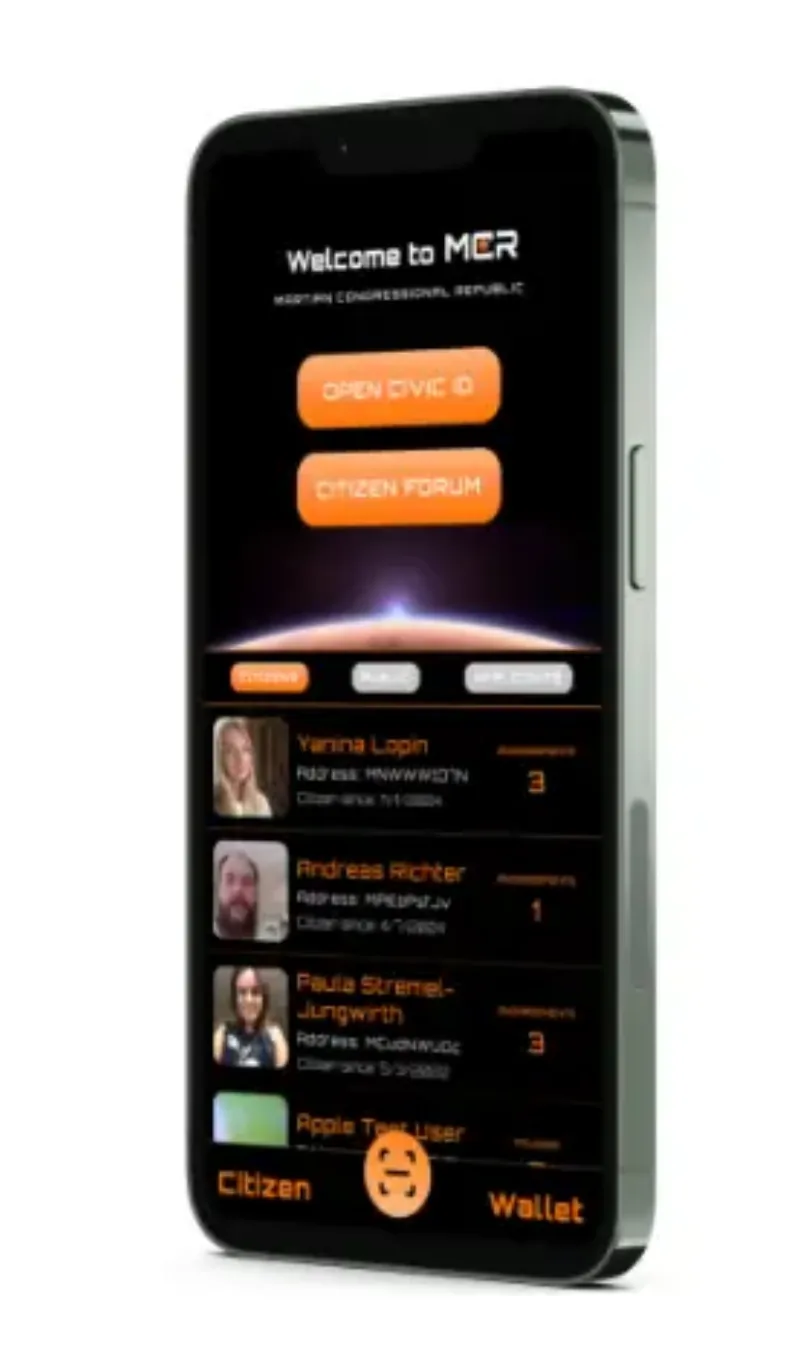
Martian Republic Mobile Wallet
The official Martian Republic mobile application — a full-featured Marscoin wallet with citizen registration, governance voting, community feed, and research logbook. Available on iOS and Android.
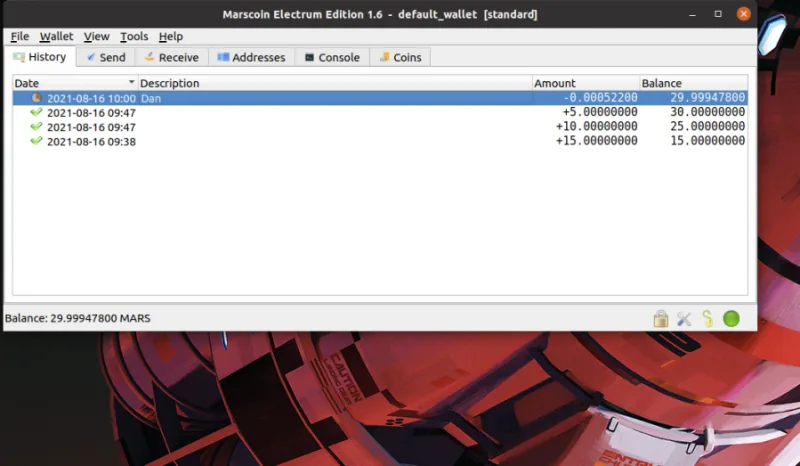
Electrum Wallet
Lightweight Marscoin desktop wallet with hardware wallet support, multi-signature capability, and advanced transaction features.
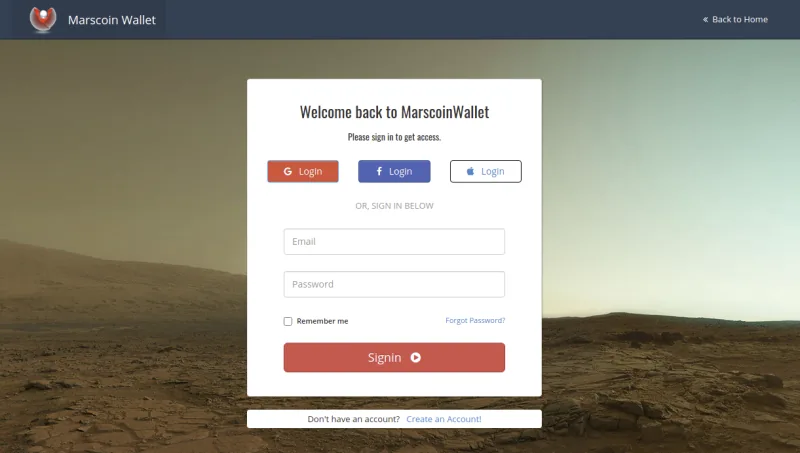
Marscoin Web Wallet
A non-custodial HD wallet that runs entirely in your browser. No downloads, no accounts — just open wallet.marscoin.org and start using Marscoin in seconds.
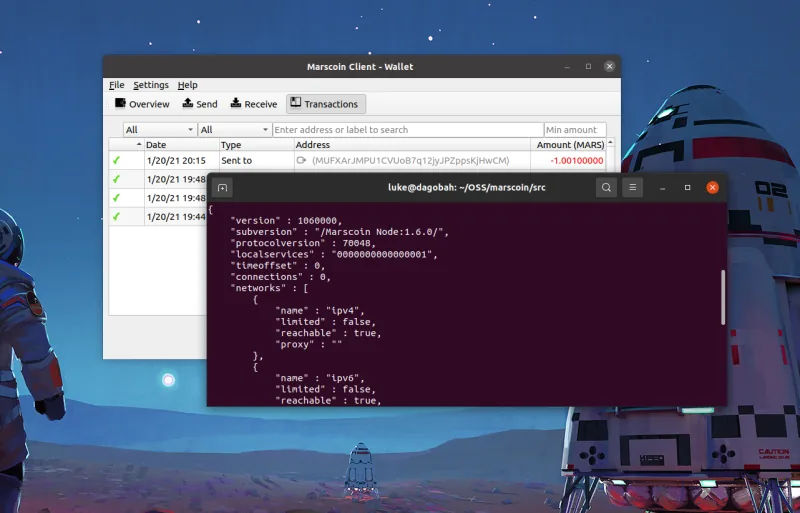
Marscoin Core Desktop Wallet
The Marscoin Core Qt GUI client — the reference implementation of the Marscoin protocol. Run a full node, validate every transaction, and help secure the network.
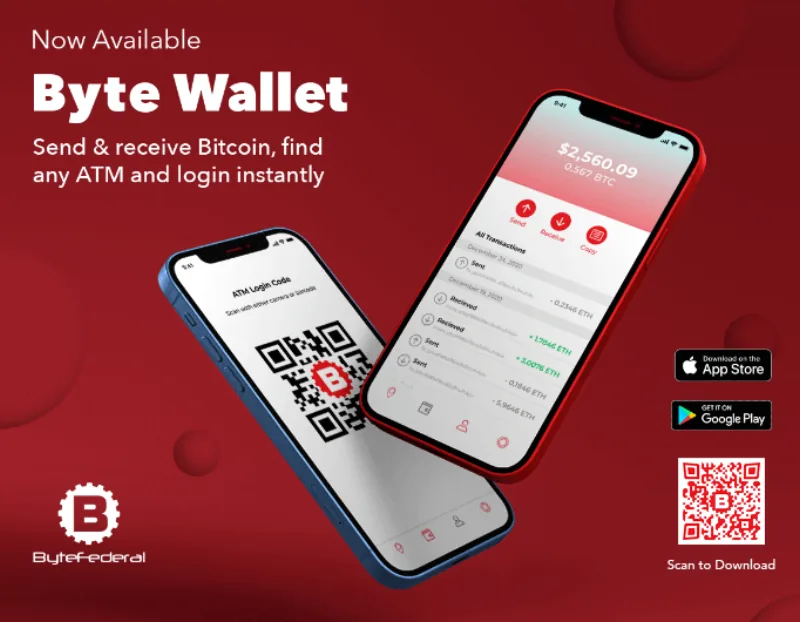
ByteVault Mobile
A multi-currency mobile wallet by ByteFederal supporting Marscoin (MARS), Bitcoin, Lightning Network, Ethereum, Litecoin, and Dogecoin. Available on iOS and Android with ATM integration.
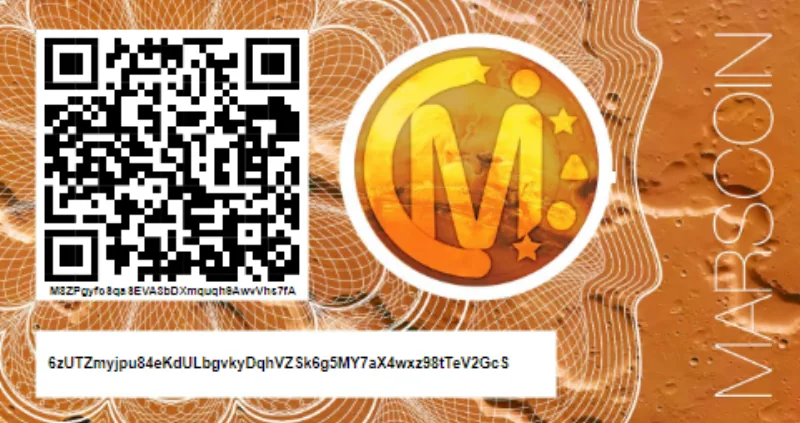
Marscoin Paper Wallet
Generate and print a Marscoin paper wallet for offline cold storage. The most secure way to store MARS long-term — no software, no hardware, no network connection required.

Marscoin Full Node
Run a Marscoin full node to independently validate the blockchain, relay transactions, and strengthen network decentralization. Complete setup instructions for server and desktop environments.
Security First
Always download wallets from official sources. Verify checksums when available. For maximum security, consider running a full node or using the Electrum wallet with hardware wallet support. Never share your private keys or seed phrases.